¶ Workflow Builder Overview
For admins. This section covers how to design and configure workflows. If you're new to Planally, read the Planally Essentials sections first—they show how the workflows you build here are used day-to-day.
The Workflow Builder is where admins design the structure that every project will follow. A well-built workflow gives your teams consistency, automation, and governance from the moment they create a project.
¶ The Build Sequence
Building a workflow follows a clear order. Each step builds on the last:
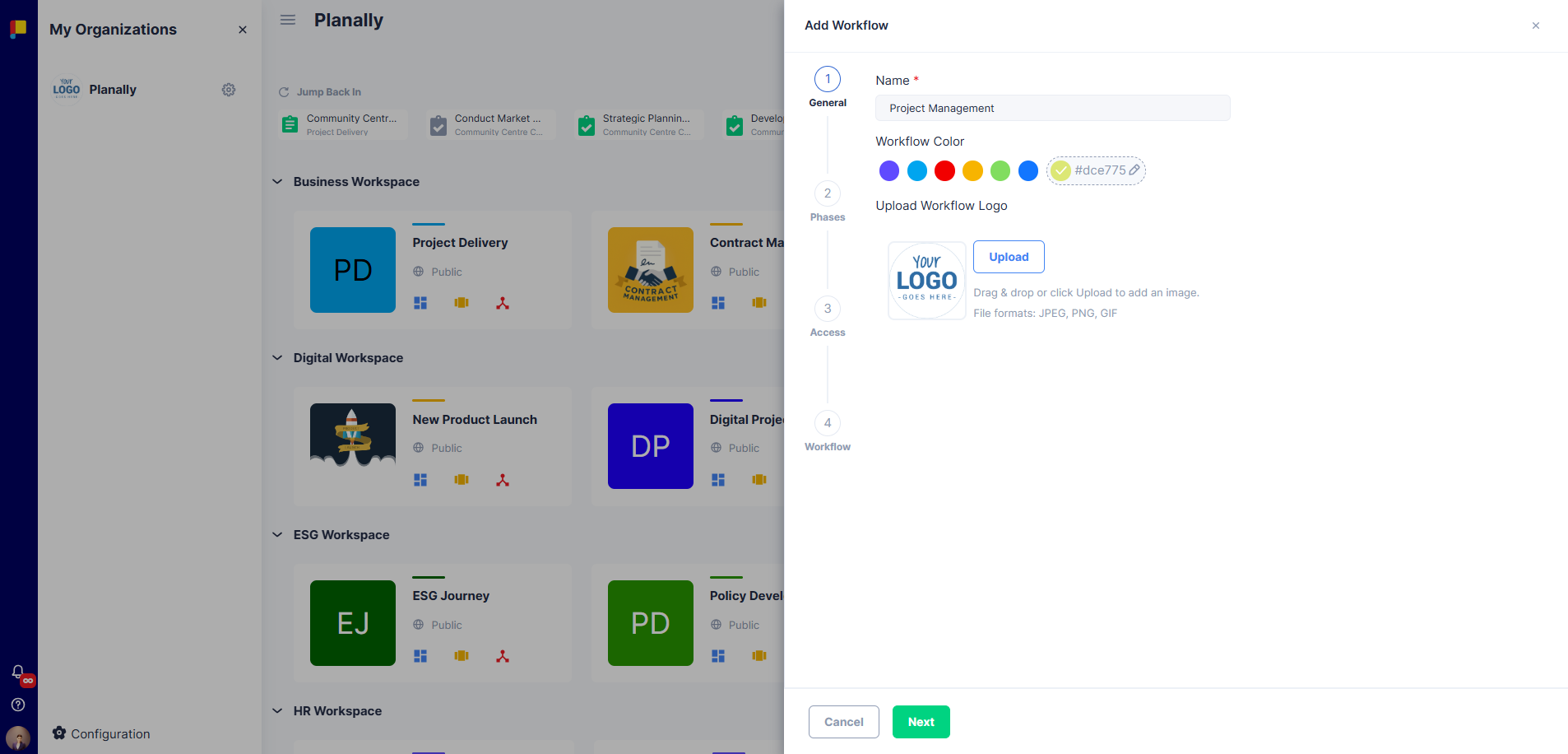
- Create & Configure the Workflow — Name, colour, logo, labels, phases, access, roles, and admins.
- Templates, Swimlanes & Activities — Define the building blocks: templates for data capture, swimlanes for organisation, and the activities themselves.
- Form Builder — Design the custom forms that activities use to capture structured data.
- Designing Roadmaps — Arrange phases and activities into an automated, publishable roadmap.
Once a roadmap is published, users can select it when creating projects—and your entire structure is applied automatically.
¶ How the Pieces Relate
- A Workflow holds everything: phases, roles, swimlanes, templates, activities, and roadmaps.
- Templates define what data an activity captures (built in the Form Builder).
- Swimlanes group activities logically.
- Activities are built from templates and assigned to swimlanes.
- Roadmaps arrange activities across phases and automate them for new projects.
See Core Concepts & Glossary for full definitions.
¶ Before You Start
- Plan your phases before building—changing the number of phases later is restricted to protect data consistency.
- Define roles early so they can be assigned to activities and roadmaps.
- Assign at least one Workflow Admin for governance.