¶ Getting Started
Welcome to Planally, the workflow execution platform that turns manual, inconsistent processes into structured, governed workflows—with clear ownership, controlled progression, and visibility leaders can trust.
¶ Why This Matters
Planally helps organisations:
- Digitalise workflows for clarity and accountability.
- Automate governance with approvals and audit trails.
- Gain visibility through dashboards and structured views.
Whether you manage projects, contracts, audits, or R&D, Planally brings the same structure to every process.
¶ Sign-Up & Login
To access Planally:
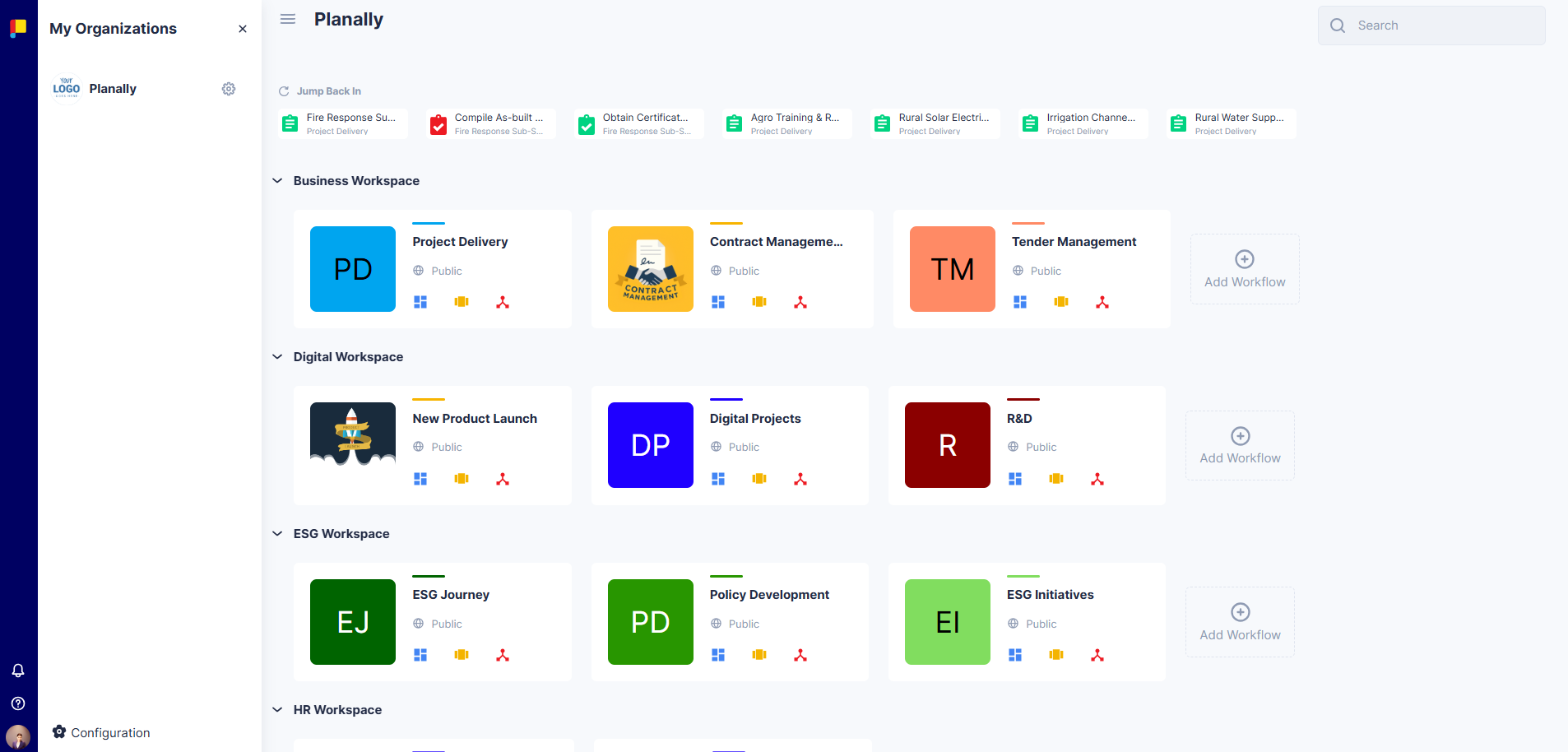
- Sign Up
- Enter your name, email, and password.
- Confirm your account via email.
- Login
- Enter your email and password.
- Or click Sign in with Microsoft for SSO using your organisation's Microsoft 365 credentials.
Note: Your organisation must enable Planally in Azure Active Directory for SSO.
¶ Basic Navigation
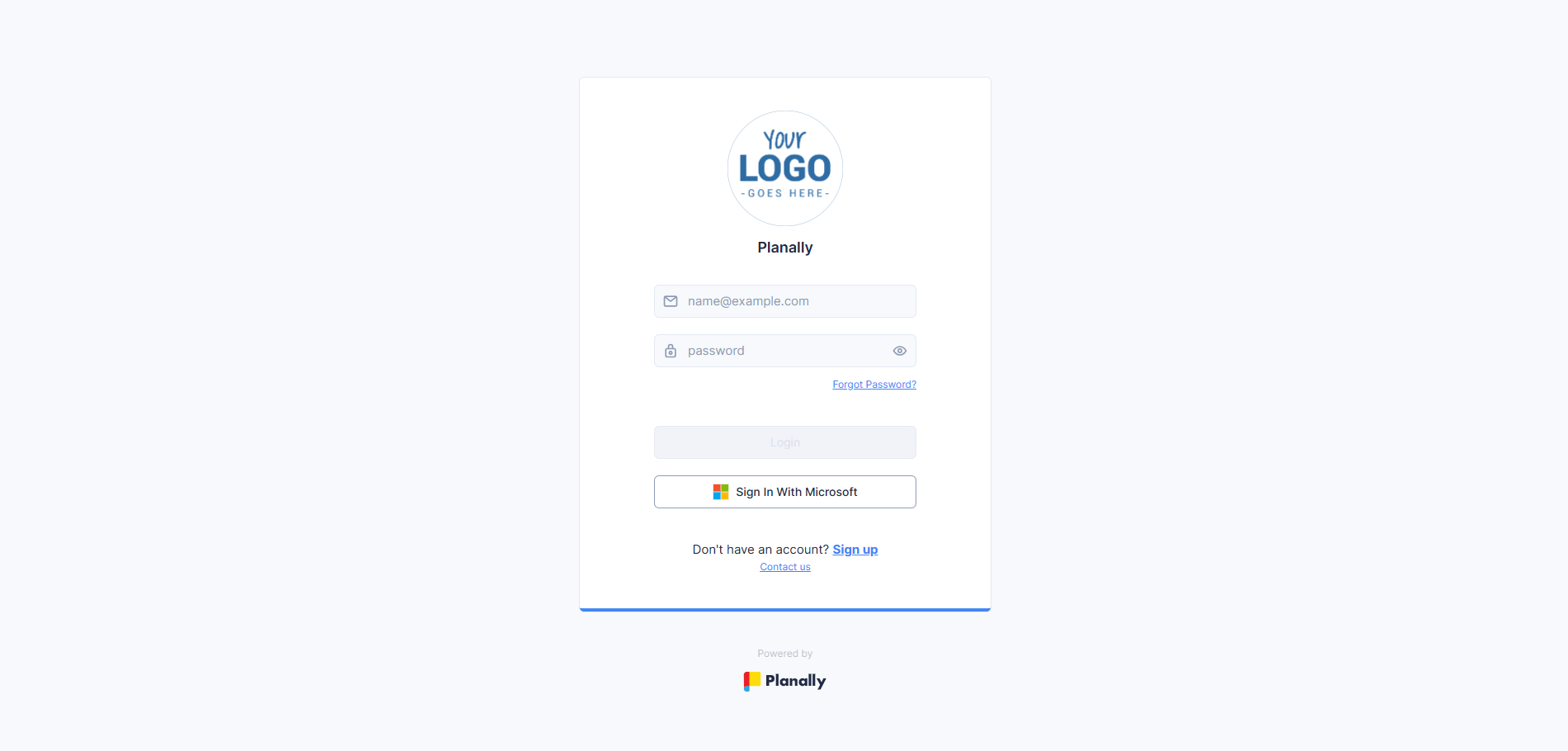
Once logged in, the Home Page displays all available Workspaces, where workflows are arranged as cards. Each card represents a workflow (e.g. Project Delivery, Contract Management, Tender Management) and provides access to:
- Dashboard: Monitor real-time progress across projects and activities.
- Project List: View all projects, contracts, or units under that workflow.
- Portfolio: Get a consolidated view of how projects within the workflow are performing as a whole.
- Documents: Access curated documents (Virtual Library), reference documents, and project files.

Additional navigation elements:
- Search Bar: Quickly find workflows (search is limited to workflow names).
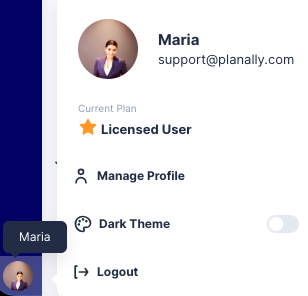
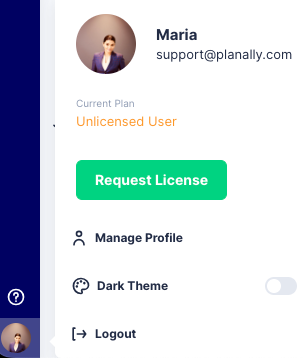
- Profile & Settings: Update your profile, enable Dark Mode, and manage passwords.
- Notifications: Stay informed about approvals, deadlines, and updates.
- Dark Mode: Choose your preferred view (ideal for low-light environments).
¶ Update Your Profile
- Click the Profile icon in the side menu.
- Select Manage Profile.
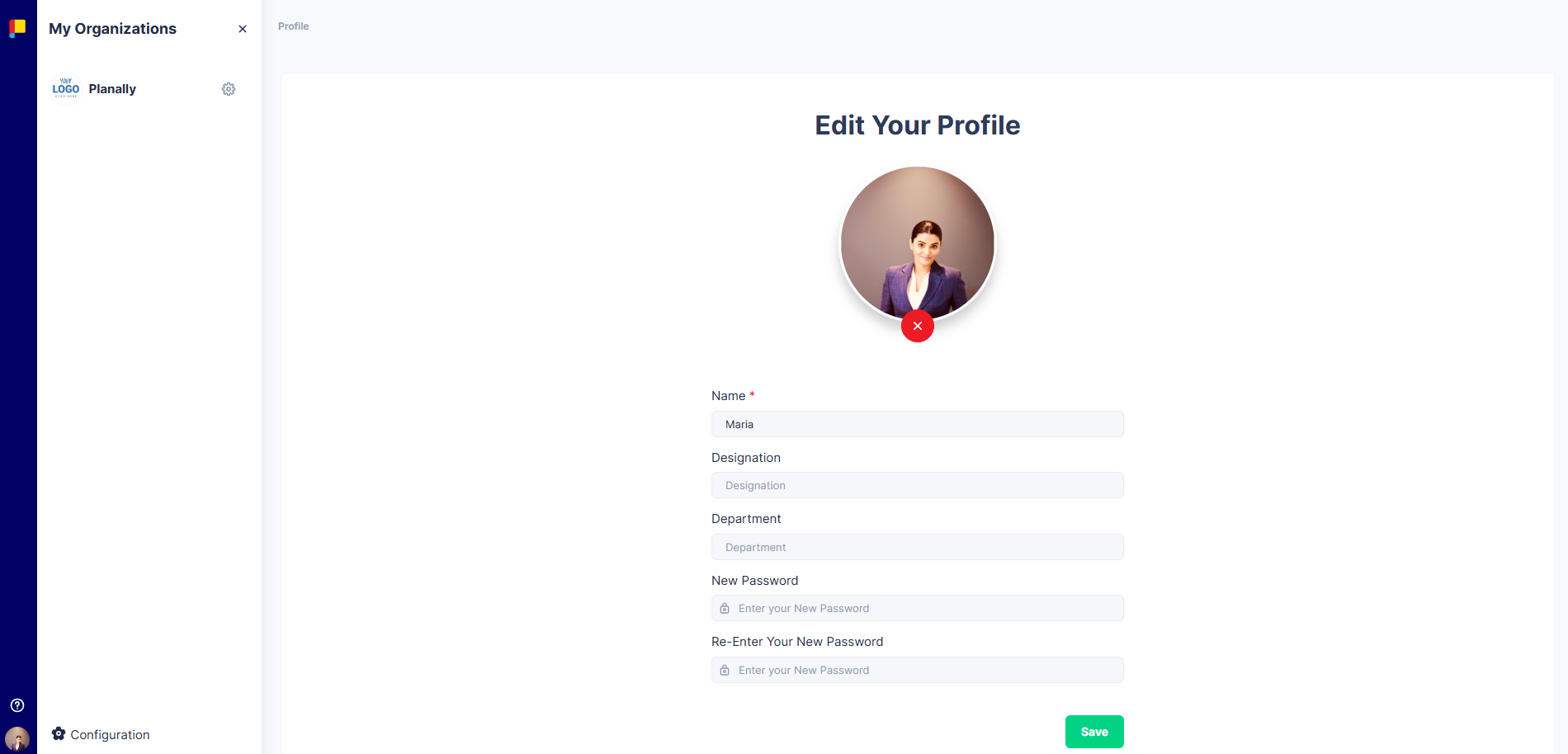
- Update your name, designation, department, and profile picture.
- To change your password, enter a new password and click Save.
¶ Planally Licence Request
To create and access projects in a workflow, you need to be assigned a licence.
- To request user license, click Request License in the bottom-left menu.
- Alternatively, to request project access, click Request Access from the Project List page of a workflow.
- Your request is sent to Key Role users and System Administrators for approval.
¶ Best Practices
- Use Microsoft SSO for secure login.
- Update your profile and enable Dark Mode for comfort.
- Check Planally Essentials for day-to-day tasks.
- Visit Workflow Builder for admin-level configuration.