¶ Virtual Library
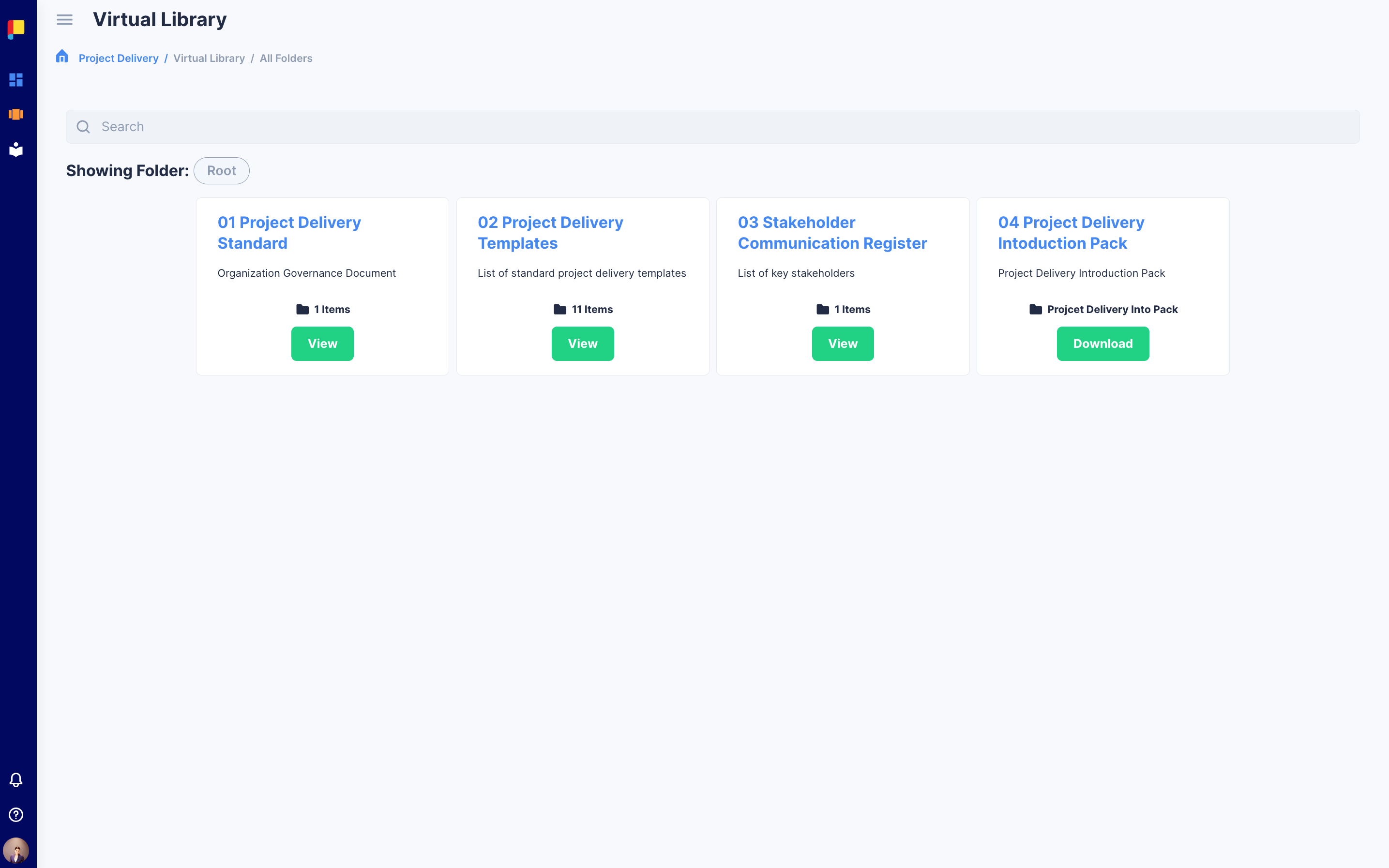
The Virtual Library in Planally is your central hub for curated documents and links, organized by your admin for easy access. It provides a structured, intuitive way to find reference materials, standards, and guidelines that support your workflows—without the clutter.
¶ Why Virtual Library Matters
The Virtual Library helps teams:
- Centralise resources for quick access.
- Ensure consistency with admin-defined structure.
- Accelerate decision-making by providing the right information at the right time.
¶ How to Access and Navigate the Virtual Library
¶ 1. Open Virtual Library
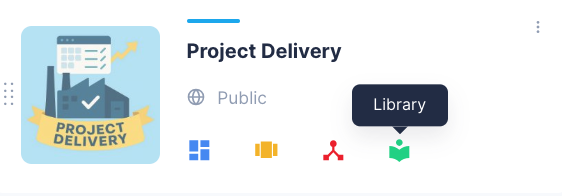
- From the main menu, click Virtual Library under your workflow.
---
¶ 2. Browse the Organized Structure
- The library is neatly organized into folders and subfolders by your admin.
- Click any folder to explore its contents.
¶ 3. Search for Documents
- Use the Search Bar at the top to find documents by title or keyword.
- Results display matching files across all folders instantly.
¶ 4. Download Documents or Open Links
- For documents: Click the Download button next to the file name.
- For links: Click Open to access the external resource.
¶ Best Practices & Tips
- Search smart: Use keywords for faster results.
- Stay updated: Admins keep the library current, so you can always access the latest version.