¶ Welcome to Planally Knowledge Base
Planally transforms manual processes into structured, automated, and governed digital workflows. This Knowledge Base is your guide to mastering Planally—whether you’re a new user or an admin configuring workflows.
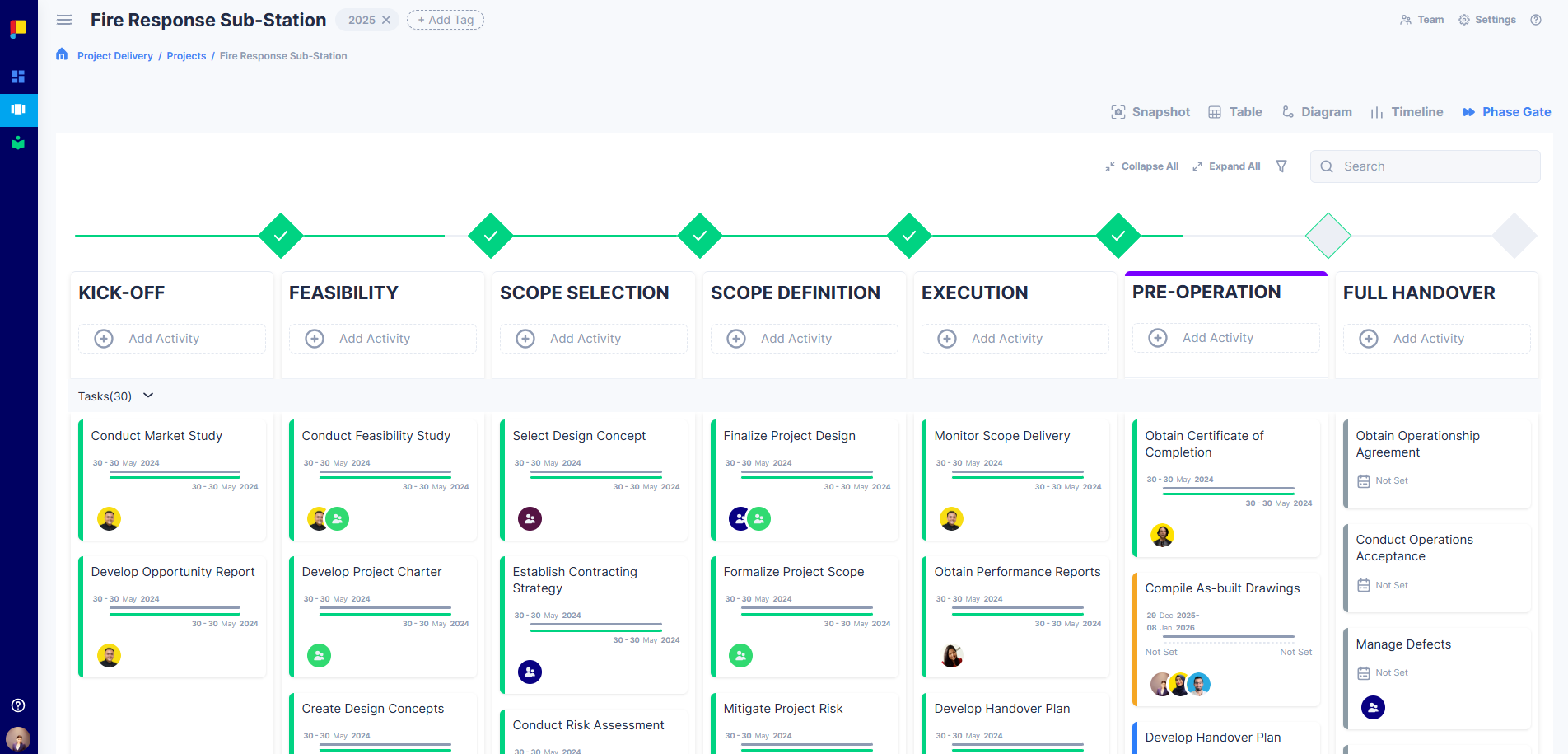
¶ Explore the Knowledge Base
¶ Getting Started
Learn the basics of Planally:
- Getting Started
Sign up, log in, navigate the interface, and update your profile.
¶ Planally Essentials
Core features for everyday users:
- Creating Projects
Learn how to create new projects, select roadmaps, manage team access, and configure project settings. - Manage Activities
Discover how to update activity status, upload documents, manage permissions, and track progress. - Dashboards
Explore dashboards for real-time visibility into projects and activities. - Notifications
Stay informed about approvals, deadlines, and updates. - Virtual Library
Access curated documents and links for compliance.
¶ Workflow Builder
Advanced tools for admins:
- Creating Workflows
Learn how to create workflows, define phases, set access, and assign workflow admins. - Form Builder & Activities
Build dynamic forms, organise swimlanes, and add activities for structured execution. - Designing Roadmaps
Create and publish roadmaps that define the details of your automated workflow.
¶ Support
Need help? We’re here for you:
- Support Overview
Contact details, FAQs, and policies. - Beginner FAQs
Quick answers to common questions.
¶ Best Practices
- Start with Getting Started if you’re new.
- Use Planally Essentials for daily tasks.
- Visit Workflow Builder for admin-level configuration.