¶ Welcome to the Planally Knowledge Base
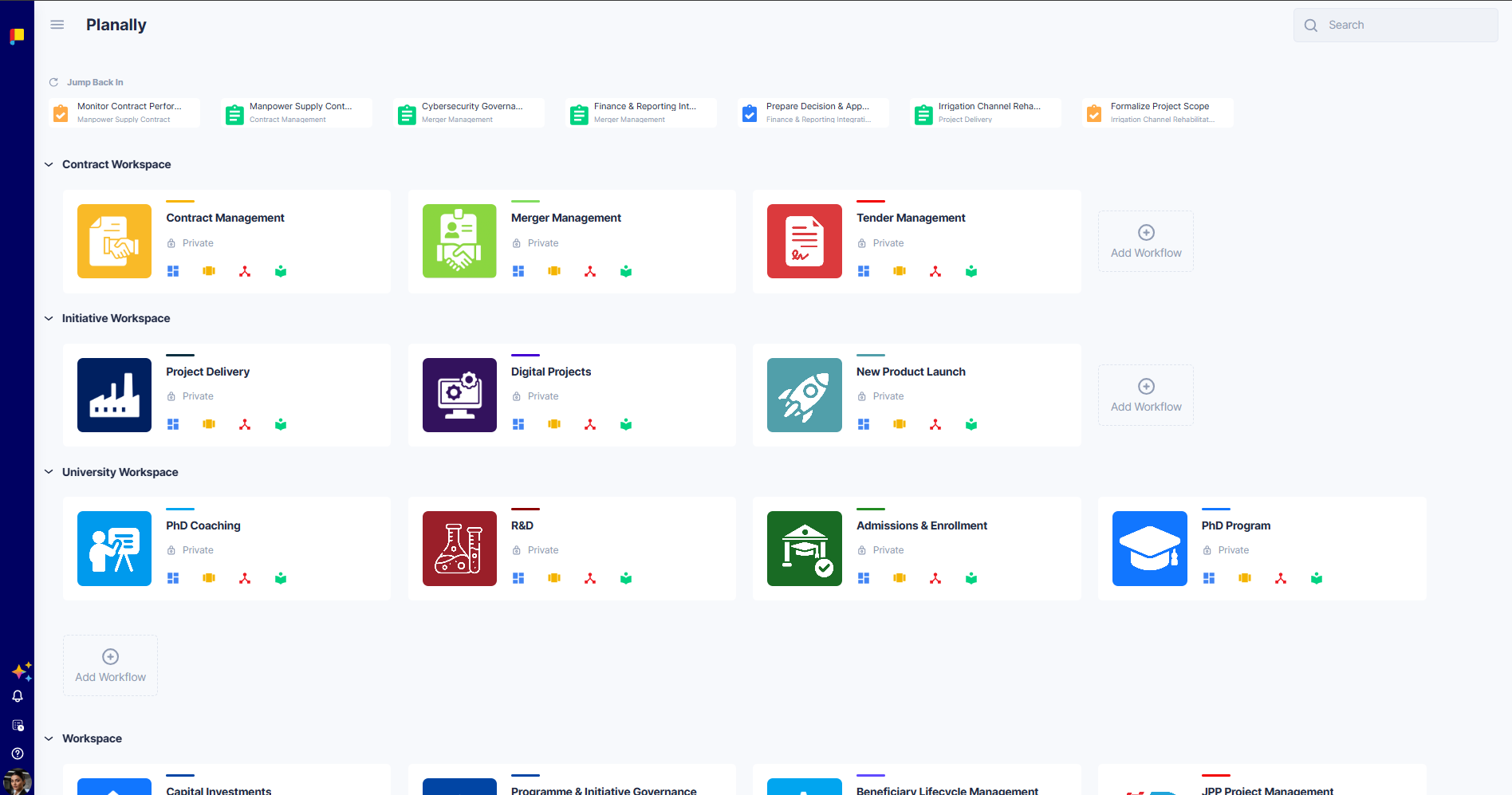
Planally is a workflow execution platform that turns manual, inconsistent processes into structured, governed workflows—with clear ownership, controlled progression, and visibility leaders can trust.
This Knowledge Base is your guide to using Planally, whether you're completing your first activity or configuring workflows for your whole organisation.
¶ Overview
New to Planally? Read these two pages first—they make everything else easier to follow.
- What is Planally? — The idea behind the platform and how it helps teams execute with structure.
- Core Concepts & Glossary — The key terms—Workflow, Project, Phase, Gate, Roadmap, Activity—and how they fit together.
¶ Find your way around
The Knowledge Base is organised by what you're trying to do. Everyday users can follow the first sections top to bottom; admins will also want the Workflow Builder section.
¶ For everyday users
- Getting Started — Sign up, navigate Planally, set up your profile, and request a licence.
- Notifications & Reminders — Stay on top of deadlines, approvals, and access requests.
- Planally Essentials — The everyday essentials: creating projects, workflow views, managing activities, dashboards, and documents.
- Planally AI (paid add-on) — A chat-based assistant for asking questions about your workflows.
¶ For admins & builders
- Workflow Builder — Design and configure workflows: phases, templates, swimlanes, the form builder, and roadmaps.
¶ For everyone
- Help & Support — Contact details and FAQs.
- What's New — Recent updates and release notes.
¶ Where to start, by role
- New team member? Read What is Planally? and Getting Started, then Planally Essentials for your daily tasks.
- Admin setting up a workflow? Start with the Workflow Builder overview, which walks you through the full build sequence.
- Just need a quick answer? Check the FAQs.