¶ Planally AI
Paid add-on: Planally AI is a separate, paid feature. It may not be enabled for your organisation. Contact your administrator or the Planally team to enable it.
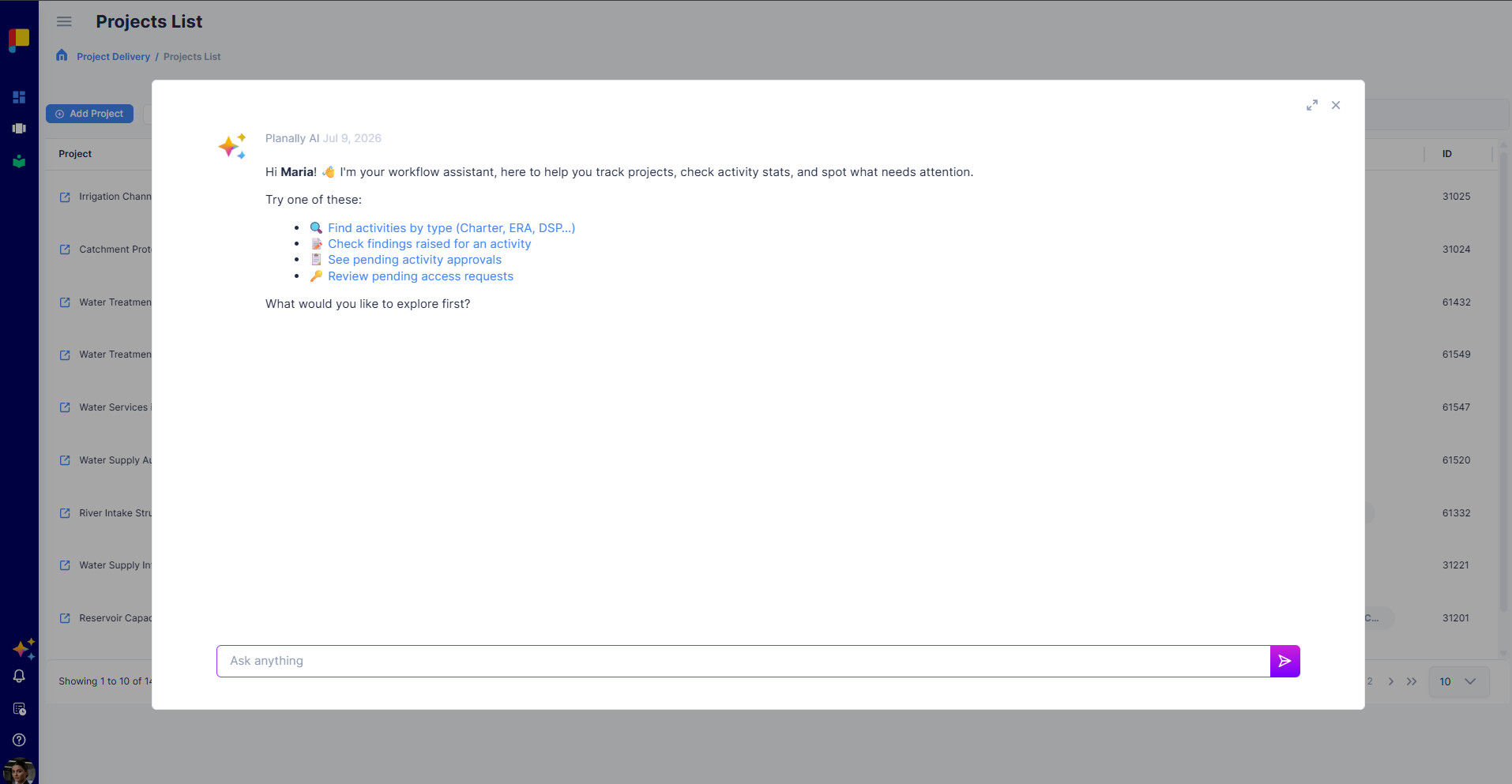
Planally AI brings execution intelligence into the workflow layer. It's a chat-based assistant that lets you ask questions about Planally and about the data in your system, in natural language—so you can understand how things work and where your work stands without digging through views and reports.
¶ What You Can Ask
Planally AI answers two kinds of questions:
- About Planally — how features work and how to do things. It draws on this Knowledge Base to answer (for example, "How do I create a roadmap?" or "What does a gate decision do?").
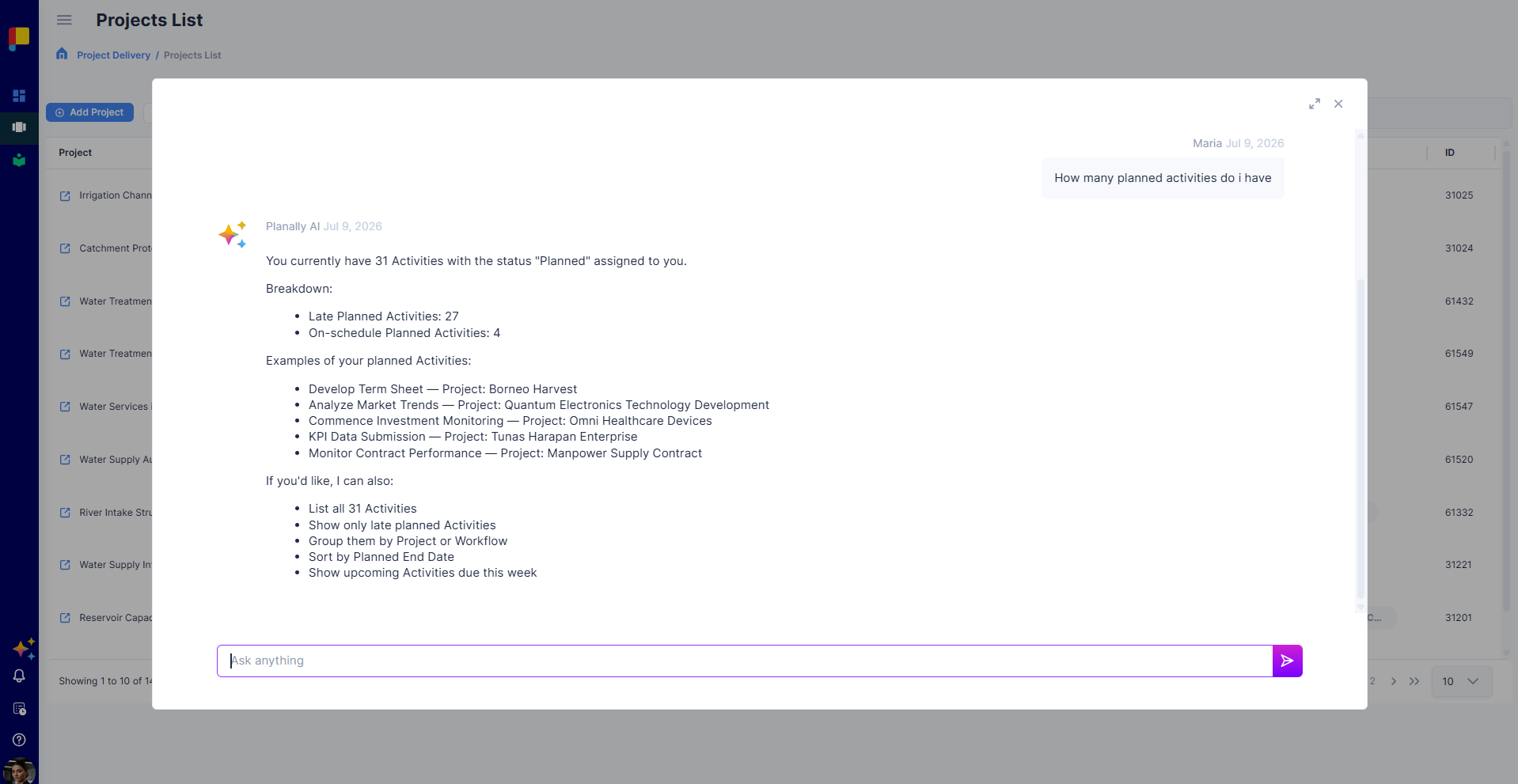
- About your data — your own projects and activities. Ask it normal questions about your work and it responds (for example, "Which of my activities are overdue?" or "Summarise the status of my project.").
¶ What It Can See
When answering questions about your data, Planally AI only exposes your own project and activity data—the same information you already have access to in Planally. It does not surface data you can't otherwise see.
¶ Getting Started with Planally AI
- Open Planally AI from the Planally AI icon in the side menu.
- Type your question in natural language.
- Read the response, and ask follow-up questions to go deeper.
¶ Tips for Good Results
- Be specific—name the project or activity where you can.
- Ask one question at a time for clearer answers.
¶ Best Practices
- Use Planally AI to get quick answers before diving into the full views.
- Verify critical figures against the relevant dashboard or activity.
- Remember it only sees what you can see—your own project and activity data.